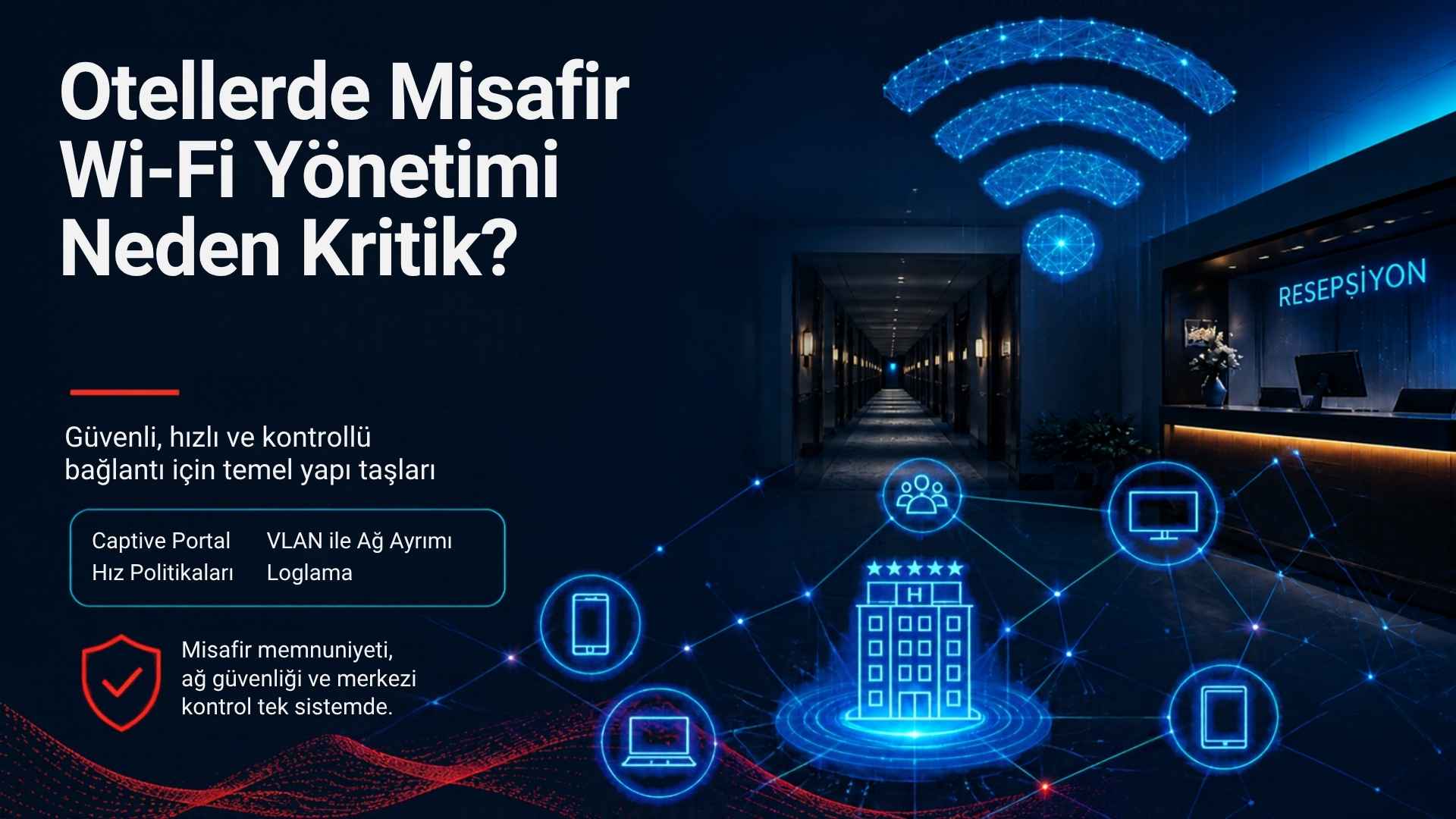
Guest Wi-Fi Management in Hotels: A Complete Guide
In short: what is guest Wi-Fi management in hotels?
Guest Wi-Fi management in hotels
is the end-to-end process that defines how guests connect to the wireless
network, how they are authenticated, how much speed and session time each guest
receives, how the guest network is separated from staff and critical systems,
and how access records are kept. A well-managed guest Wi-Fi replaces the shared
password with captive portal authentication, uses VLAN segmentation, applies
per-user bandwidth policies and is controlled from a central management panel.
Why guest Wi-Fi is no longer a "perk" but a core service
One of the first things a guest
does after entering a hotel room is connect to the Wi-Fi. For business
travellers, video conferencing, email and cloud applications depend on it; for
families on holiday, streaming platforms, social media and video calls do. That
is why the Wi-Fi experience directly shapes how guests perceive the hotel as a
whole. On review platforms, comments such as "the internet was slow",
"the connection kept dropping" or "I had to ask reception for
the password every day" can pull a rating down as much as room cleanliness
or breakfast quality.
But this is not only about guest
satisfaction. When the guest network is poorly designed, the hotel's
reservation system, accounting computers, POS terminals and security cameras
can end up on the same network as guests. That creates a security risk and makes
it much harder to trace the source of any problem. In addition, businesses in
Turkey that provide internet access to guests must assess their obligations
regarding access records under Law No. 5651 and its related regulations. In
short, guest Wi-Fi is a service with technical, operational and legal
dimensions, and it should be managed accordingly.
Different areas of a hotel have different needs
A hotel is not a uniform space.
Each area has its own user density, usage pattern and technical requirements.
Successful guest Wi-Fi management accepts these differences from the start.
Guest rooms and corridors
In rooms, guests mainly expect
seamless coverage and sufficient speed. Guests usually stream, download files
or make video calls at the same time in the evening. Reinforced concrete walls,
bathroom tiles and metal doors can weaken the signal considerably. Trying to
cover every room with a handful of access points in the corridor often falls
short, especially in older buildings. In-room or between-room access point
placement should be planned on the basis of a site survey.
Lobby, restaurant and bar areas
Lobbies and restaurants see
short but intense bursts of connections. At check-in time, dozens of devices
try to join the network in the lobby at once. Here the critical factor is not
coverage but capacity: the concurrent client capacity of access points, channel
planning and bandwidth sharing become decisive.
Meeting and event rooms
In conference and meeting rooms,
hundreds of participants may join the same network within minutes.
Presentations, live streaming and video conferencing all demand high bandwidth.
Event-specific access codes, a dedicated SSID for the venue or speed profiles
for participant groups are worth considering here.
Pool, beach and outdoor areas
Outdoors, weather-resistant
access points, the right antenna choice and power delivery become important.
Guests in these areas typically use mobile devices for social media and
messaging; they expect wide coverage and smooth roaming between access points.
The building blocks of well-managed guest Wi-Fi
1. Controlled access instead of a shared password
Many hotels still share a single
Wi-Fi password on cards left in the rooms. This seems practical at first, but
over time the password spreads beyond the hotel, nobody knows who is connected,
and a single user's access cannot be revoked when needed. A captive
portal-based hotspot system instead redirects guests, before granting internet
access, to a welcome page that matches the hotel's corporate identity. There,
the guest authenticates with their room number and surname, SMS verification, a
voucher code or another method chosen by the property.
2. Network segmentation
The guest network should be
separated from staff computers, the property management system, POS devices,
camera systems and building automation using VLANs and firewall rules. The
guest VLAN should only be allowed to reach the internet, with access to internal
systems blocked. Client isolation, which prevents guest devices from seeing
each other, should also be enabled.
3. Per-user bandwidth and quota policies
The internet line is a shared
resource. A few guests downloading large files or streaming high-resolution
video can ruin the experience for everyone else. Per-user download and upload
limits, different profiles by room type (standard room, suite, VIP) or paid
premium speed packages ensure that capacity is used fairly.
4. Session and device management
A single guest may connect a
phone, a tablet and a laptop at the same time. Rules such as the number of
devices allowed per user, session duration, idle timeout and termination of
access after check-out need to be defined in advance.
5. Logging and reporting
Access records matter both for
technical troubleshooting and for assessing regulatory obligations. Information
such as which IP address was assigned to which device and during which time
window must be stored accurately, with integrity preserved, and securely.
Reports in the management panel show peak hours, total traffic consumption and
connection problems.
6. Central management and monitoring
For hotel chains or properties
with several buildings, managing every hotspot location from one panel is a
major advantage. When active sessions, connected user counts, access point
status and policies can be monitored centrally, problems are resolved much
faster.
A step-by-step guest Wi-Fi management plan
1.
Analyse the current situation: Document the
internet line speed, existing router and access points, switch infrastructure
and cabling.
2.
Calculate capacity needs: Estimate concurrent
users from room count, average occupancy, devices per guest and peak-season
forecasts. For example, a 200-room hotel at 90 percent occupancy, with an
average of 2 guests per room and 2 devices per guest, may need to serve more
than 700 devices.
3.
Carry out a site survey: Determine access point
locations from floor plans and, where possible, perform signal and interference
analysis with measurement equipment.
4.
Design the network architecture: Document VLANs,
the IP plan, DHCP pools, DNS and firewall rules.
5.
Choose the authentication method: Select a
method that suits the hotel's operations (room number + surname, SMS, voucher,
one-click login); if property management system integration is required, verify
API compatibility.
6.
Define policies: Set speed, quota, session
duration and device limits according to guest profiles.
7.
Pilot and test: On one floor or area, test
portal redirection, authentication and post-login internet access with
different devices and operating systems.
8.
Train staff: Reception should know the basic
checks to perform when a guest has connection problems and the relevant actions
in the management panel.
9.
Monitor and improve: Review reports regularly
and reassess capacity before peak season.
Practical tips that improve the guest experience
•
Keep the connection steps short: Ask guests only
for information that is truly necessary. A three-screen form discourages people
from connecting.
•
Use a multilingual portal: In tourist regions,
supporting languages such as Turkish, English, German and Russian reduces the
number of questions at reception.
•
Make connection information visible: The network
name and steps can be explained on the key card holder, the TV welcome screen
or via a QR code.
•
Authenticate once, stay connected for the whole
stay: Not forcing guests to log in again every day noticeably increases
satisfaction.
•
Offer a premium speed option: A high-speed
package for business travellers can raise satisfaction and generate additional
revenue.
•
Use the portal wisely for marketing: Spa,
restaurant or event announcements can be shown simply on the welcome page;
however, if personal data is collected, privacy notices and, where required,
explicit consent processes under Turkey's KVKK (Personal Data Protection Law)
must be designed separately.
Common mistakes
•
Running all devices (guests, staff, POS, cameras) on
one flat network.
•
Increasing internet line speed while ignoring access
point capacity and channel planning.
•
Trying to serve hundreds of users with consumer-grade
modems and access points.
•
Not changing default passwords on management panels.
•
Not knowing whether access records are kept, where they
are stored and for how long.
•
Not taking a configuration backup before making
changes.
Guest Wi-Fi management checklist
•
Is the guest network on its own VLAN, with access to
internal systems blocked?
•
Is captive portal authentication used instead of a
shared password?
•
Are per-user speed limits and device limits defined?
•
Is access terminated after check-out?
•
Are access records kept with correct timestamps and
stored securely?
•
Are management panel permissions restricted by role?
•
Has a capacity test been carried out for the peak
season?
•
Has reception staff been trained in basic
troubleshooting?
Frequently asked questions
How much internet speed does hotel Wi-Fi need?
There is no single figure; the
requirement depends on room count, occupancy and guest profile. In practice,
you estimate the number of concurrently active users and multiply it by the
target speed per user (for example 3–5 Mbps). Since not every user generates
heavy traffic at the same moment, this calculation should be adjusted using
real usage data.
Is it legal for a hotel to use a shared Wi-Fi password?
Using a shared password is not
prohibited in itself, but it makes it difficult to distinguish who connected,
with which device and when. This can make it harder to meet obligations
regarding access records. A business's obligations should be assessed against
current legislation and with legal advice.
Isn't a captive portal inconvenient for guests?
A well-designed captive portal
is completed in a few seconds. Logging in with information the guest already
knows, such as room number and surname, can be even easier than asking for a
password. The key is to minimise the number of steps and use a mobile-friendly
design.
How do I separate guest Wi-Fi from the staff network?
Separate VLANs are created for
guests and staff on a managed switch and a suitable router, each with its own
IP block and DHCP pool. Firewall rules then allow the guest VLAN to reach only
the internet.
Will a hotspot system work with my property management system?
That depends on the API or
integration method offered by your property management system and the support
provided by the hotspot software. Scenarios such as room number login and
automatic termination of access at check-out should be verified at the start of
the project.
Next step with Richspot
Richspot Hotspot is a
cloud-based hotspot and captive portal management platform developed in Turkey
by Goats Software System. It brings together, in a single panel, a customisable
welcome page that matches your hotel's corporate identity; authentication
methods such as room number, SMS, email, password code and one-click login;
per-user bandwidth management; a structure compatible with MikroTik RouterOS;
multilingual support; and automatic logging within the scope of Law No. 5651.
Every hotel's infrastructure is
different. The right package should therefore be determined by analysing your
property's existing router infrastructure, number of concurrent users,
authentication expectations and reporting requirements. Request a technical
assessment and package information tailored to your hotel from the Richspot
team.
